Published on April 18, 2026
How to Organize Locations on a Map in 2026
Learn how to organize locations on a map with categories, notes, photos, and a private system that helps you find the right place fast.
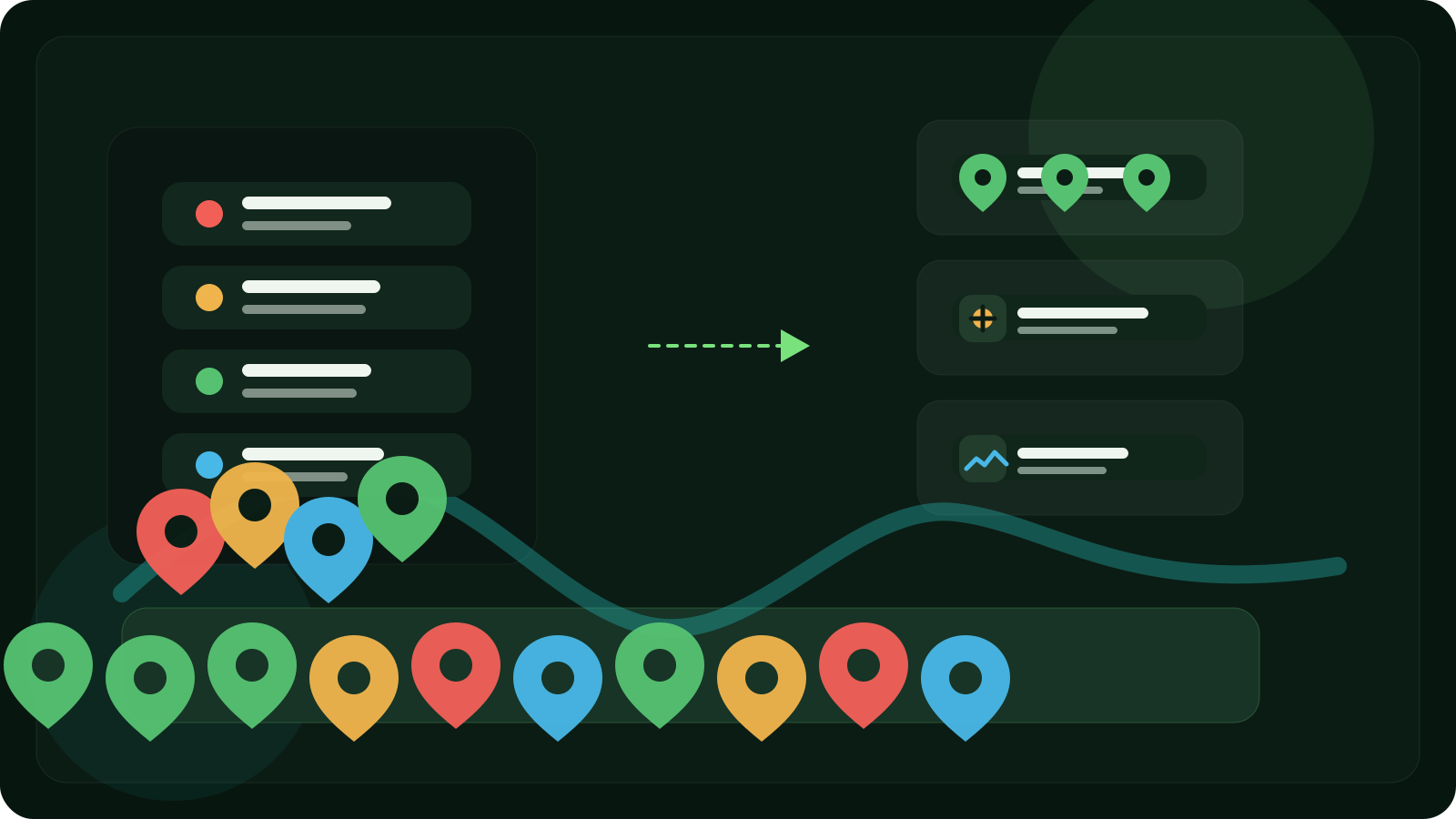
Saving a place is only the first step.
The harder part starts later, when you have twenty, fifty, or a hundred saved locations and need to find the right one fast.
Maybe it is a fishing spot you only use in autumn. A mushroom place that works after rain. A berry patch worth checking every July. A hidden trail marker. A quiet viewpoint. A travel discovery you want to revisit next year.
At that point, the question is no longer how to save a place.
The real question becomes:
how do you organize locations on a map so they still make sense later?
That is what this guide is about.
Why organizing locations on a map matters
A saved place without structure becomes noise.
At first, everything feels manageable. You save a few spots and remember what they mean.
Later, the problems start:
- too many pins look the same
- names are vague or missing
- you forget why a location mattered
- personal spots mix with travel ideas and one-off saves
- you cannot quickly filter what you need
- old or irrelevant places clutter the map
- private locations become harder to manage safely
Saving places is useful.
Organizing them is what makes the map reliable.
What does it mean to organize locations properly?
A well-organized map is not just a map with many pins.
It is a system that helps you:
- group similar places together
- understand each place at a glance
- filter locations by purpose
- keep important spots private
- return to the right place without guesswork
- keep your map useful as it grows
A location is easier to use when it has structure around it.
That structure usually includes:
- a clear name
- a category
- a note
- a photo when useful
- private or shared status
- enough context to understand when and why to come back
Why most saved-place systems become messy
Many people already save locations somehow.
The problem is that most systems are not built for long-term organization.
1. Random pins in a general map app
This works for a while.
Then all the saved places start blending together, especially when they were added quickly and never labeled properly.
2. Screenshots
Screenshots feel easy in the moment, but they create clutter fast.
They are not searchable in a useful way, hard to compare, and disconnected from the map itself.
3. Notes with coordinates
This is better than memory, but still awkward.
The place lives in one tool. The explanation lives in another. Reconstructing everything later takes too much effort.
4. Memory
This is the weakest system of all.
Even meaningful places become vague over time when the season changes, the light is different, or the route back is less obvious than you remembered.
Best way to organize locations on a map
The best way to organize locations on a map is to build a system around categories, naming, context, and cleanup.
In practice, that means your map should let you:
- save locations quickly
- group them by type
- label them clearly
- attach notes and photos
- keep private places private
- review and clean old saves
- find the right place with minimal friction later
The goal is not to collect as many pins as possible.
The goal is to make every saved place understandable and easy to use.
A simple organization system that actually works
If you want your map to stay clean over time, use a structure like this.
1. Organize by category
Start with broad categories that match how you think.
For example:
- fishing spots
- mushrooms
- berries
- herbs
- landmarks
- hidden trails
- campsites
- travel spots
- return points
- general discoveries
This is the most important layer of organization.
If your categories are clear, the map becomes easier to scan, filter, and trust.
2. Name locations in a useful way
A bad name creates confusion later.
Names like “spot,” “nice place,” or “pin 14” do not help.
A better naming style is simple and descriptive:
- north reed edge
- mushroom slope after rain
- small perch bay
- west trail return point
- quiet river bend
- rocky hill viewpoint
The best names are short, recognizable, and specific enough to separate one place from another.
3. Add notes for context
Coordinates tell you where.
Notes tell you why the place matters.
Useful note ideas include:
- season
- weather
- access details
- what you found there
- what to bring
- what to avoid
- who knows about the spot
- when to return
A short note often makes the difference between a saved location you actually use and one you ignore.
4. Use photos when they help
Photos are useful when the place is hard to recognize from coordinates alone.
A photo can help you remember:
- the exact terrain
- the approach
- what the landmark looked like
- the kind of growth, cover, or shoreline nearby
- whether you are in the right place when you return
Not every saved place needs a photo.
But the right photo can remove uncertainty fast.
5. Separate private places from shareable ones
Not every location should be treated the same way.
Some places are just for you.
Some can be shared with one trusted person.
Some belong in a small group map.
A good organization system should make that distinction clear from the start.
Private places should stay private by default, with sharing handled intentionally instead of accidentally.
6. Review and clean your map regularly
Organization is not just about adding structure.
It is also about removing noise.
A saved-place map becomes more valuable when you:
- archive places that no longer matter
- rename unclear spots
- merge duplicates
- update notes after revisits
- remove temporary locations
- keep only useful categories
A smaller, cleaner map is often more powerful than a huge map full of forgotten pins.
How to organize saved locations step by step
A simple workflow usually works best.
Step 1: Save first, organize second
Do not add friction in the moment of discovery.
Save the place quickly first.
Then improve it when you have a minute.
Step 2: Assign a category immediately after saving
As soon as the place is captured, put it in the right bucket.
This prevents your map from becoming one flat pile of unrelated locations.
Step 3: Rename it before you forget the context
Even a basic useful name is better than a default one.
The earlier you rename it, the more accurate it will be.
Step 4: Add the one detail future you will need most
That might be:
- season
- bait
- trail direction
- best time of day
- where to park
- whether the place is worth returning to
Do not try to write everything.
Just add the detail that will matter later.
Step 5: Review your saved places in batches
Every so often, go through your saved locations and ask:
- Is this still useful?
- Is the name clear?
- Is the category right?
- Does it need a note?
- Should it stay private?
- Is it a duplicate?
That is how a map becomes a real system instead of a dumping ground.
What a good map organization app should include
If your goal is to organize locations properly, the tool matters.
Look for a system that supports:
- fast GPS saving
- categories or structured grouping
- notes and photos
- privacy by default
- selective sharing
- offline saving or offline access
- a clear map and list view
- enough flexibility to manage personal places over time
The more personal your places are, the more important this becomes.
Public destinations are easy.
Private saved places need structure.
A better way to organize locations: Pean
Pean is built for this kind of workflow.
It is not just a map for finding public places.
It is a private place-saving app designed for the places that matter to you personally.
With Pean, you can:
- save a place in one tap
- capture GPS from iPhone, Android or Apple Watch
- keep places private by default
- organize them by category
- add notes and photos
- save offline and sync later
- share selected places only when you choose
That makes it a strong fit for people who want more than a pin.
If your map includes fishing spots, mushroom places, berry finds, trail markers, landmarks, or personal discoveries, organization matters just as much as capture.
Final thoughts
If you want to know how to organize locations on a map, the answer is not “save more pins.”
It is:
- group places clearly
- name them well
- add context
- keep private places under control
- review your map over time
- use a tool built for personal place organization
A saved location is useful once.
A well-organized personal map is useful for years.
FAQ
What is the best way to organize locations on a map?
The best way is to organize saved places by category, give each location a clear name, add notes or photos for context, and regularly clean up old or unclear saves.
How do I organize saved places on a map?
Start by grouping places into categories like fishing, mushrooms, travel, or landmarks. Then rename each place clearly, add context, and review your map regularly so it stays useful.
How do I organize map pins without making a mess?
Do not rely on pins alone. Use categories, meaningful names, notes, and regular cleanup. A map becomes messy when everything is saved the same way with no structure.
Can I organize private locations without sharing them?
Yes. The best system keeps locations private by default and lets you decide later whether to share a specific place with one person or a group.
What should I include when organizing GPS locations?
At minimum, include the exact location, a useful name, a category, and one short note explaining why the place matters.
Related guides:
Ready to save your places?
Join thousands of people who use Pean to save and organize their personal locations.